
TL;DR

Play games on Amazon Luna for your game nights, included with Prime
- A rotating selection of games, no download needed
- Play on TV, laptop or phone
- Fast, free delivery for your gear, too
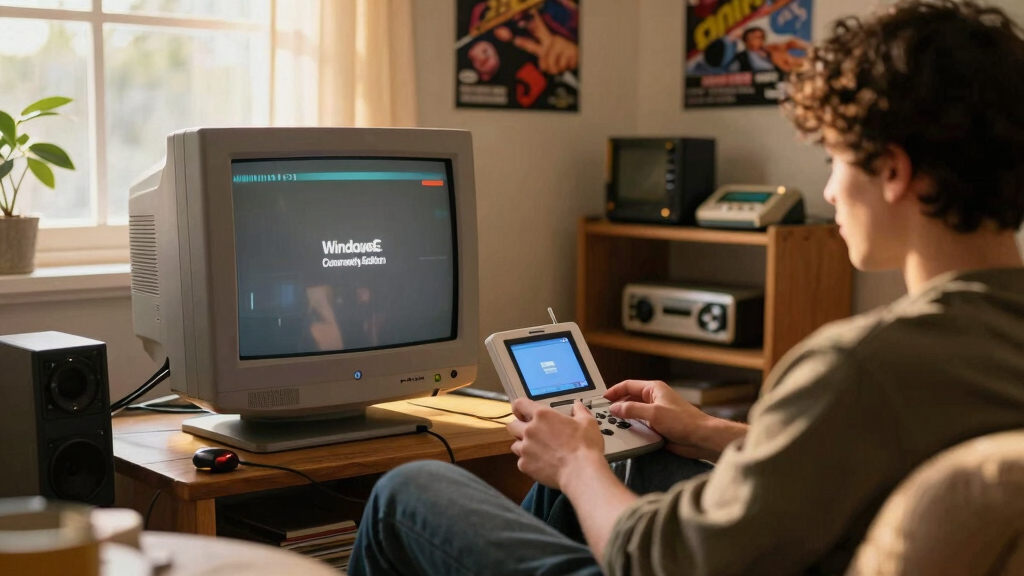
Developers have released the Windows CE Dreamcast Community Edition, transforming the Dreamcast into a multitasking Windows CE desktop. It includes a GUI, basic apps, and network capabilities, all bootable on real hardware. The project is ongoing, with networking still in progress.
The Windows CE Dreamcast Community Edition has been released as a bootable disc image that transforms the Sega Dreamcast into a multitasking, windowed desktop environment. This project allows users to run a fully functional Windows CE 2.12 interface, complete with icons, a start menu, taskbar, and multiple apps, directly on Dreamcast hardware. The development is significant because it repurposes the console’s original CE runtime, previously only accessible in a limited form, into an interactive desktop environment that can be used for experimentation and development.
The project is built from open-source tools, utilizing a self-contained CMake build system that produces bootable GDI images compatible with Dreamcast emulators and real hardware via GDEMU, MODE, or USB-GD-ROM. It features a desktop shell called DCWin, with multitasking capabilities, window management, and a mouse cursor, all composited via Direct3D on the PVR2 graphics hardware. Included are core applications such as Explorer for browsing files, Task Manager, Clock, Calculator, and memory testers. Networking is under active development, aiming to enable TCP/IP over the Dreamcast’s Broadband Adapter using a custom link shim, with progress on W5500 and MACRAW transport layers, though full end-to-end functionality remains in progress.
Implications for Dreamcast Homebrew and Emulation
This development demonstrates the potential for turning the Dreamcast into a versatile computing platform beyond gaming. It offers a practical, windowed environment for hobbyists, developers, and researchers interested in embedded systems and console hardware. The project also revitalizes interest in the Dreamcast’s hardware capabilities, showing it can support a full multitasking desktop environment, which could inspire further homebrew applications and custom software development.
Dreamcast GDEMU compatible bootable disc images
As an affiliate, we earn on qualifying purchases.
As an affiliate, we earn on qualifying purchases.
Historical and Technical Background of Dreamcast Windows CE
The Sega Dreamcast originally shipped with a stripped-down version of Windows CE 2.12, primarily used for its internal UI and debugging, never exposed as a user-facing desktop. Enthusiasts and developers have long explored the console’s hardware capabilities, but this project marks a significant step in making the CE runtime usable as a full desktop environment. Previous efforts focused on emulation and limited homebrew, but this project creates a standalone, bootable image that runs directly on real hardware, leveraging the stock CE kernel and system modules, with custom shell and networking layers built from scratch.
“This project turns the Dreamcast into a fully functional Windows CE desktop, opening new avenues for hardware experimentation.”
— an anonymous researcher
As an affiliate, we earn on qualifying purchases.
Current Limitations and Development Challenges
While the desktop environment is fully functional, the networking stack over TCP/IP is still under development, with both the Broadband Adapter and W5500/MACRAW backends not yet fully operational end-to-end. It is also unclear how stable or performant the environment will be in everyday use, as ongoing testing and optimization are needed. Additionally, the project relies on a custom build process and open-source components, which may limit accessibility for less experienced users.
Dreamcast homebrew development kit
As an affiliate, we earn on qualifying purchases.
As an affiliate, we earn on qualifying purchases.
Upcoming Development Milestones and Community Involvement
Developers plan to complete the TCP/IP stack over Ethernet, enabling full network capabilities. Further testing of stability, performance, and compatibility with various Dreamcast models is expected. Community involvement may expand, with potential for porting additional applications or integrating more advanced networking features. The project’s repository remains active, inviting contributions and feedback from enthusiasts.
Dreamcast networking adapter W5500
As an affiliate, we earn on qualifying purchases.
As an affiliate, we earn on qualifying purchases.
Key Questions
Can I run this on my Dreamcast now?
Yes, if you have a compatible Dreamcast and the necessary hardware (GDEMU, MODE, or USB-GD-ROM), you can burn the provided GDI image onto an SD card or disc and boot it directly on your console.
Does this replace the original firmware or harm the console?
No, this is a custom bootable image that runs independently of the original firmware. It is designed for homebrew use and does not modify the Dreamcast’s internal firmware.
Will the networking features be fully functional soon?
Networking is currently under active development. While the desktop environment works, full TCP/IP connectivity over Ethernet is not yet complete, but progress is ongoing.
Can I develop my own applications using this environment?
Yes, the project includes a self-contained CE image with development tools, allowing users to create and run their own CE applications on Dreamcast hardware.
Is this project open-source?
Yes, the source code and build tools are available on GitHub, enabling community contributions and customization.
Source: Hacker News
Fall Picks
fall essentials
As an affiliate, we earn on qualifying purchases.