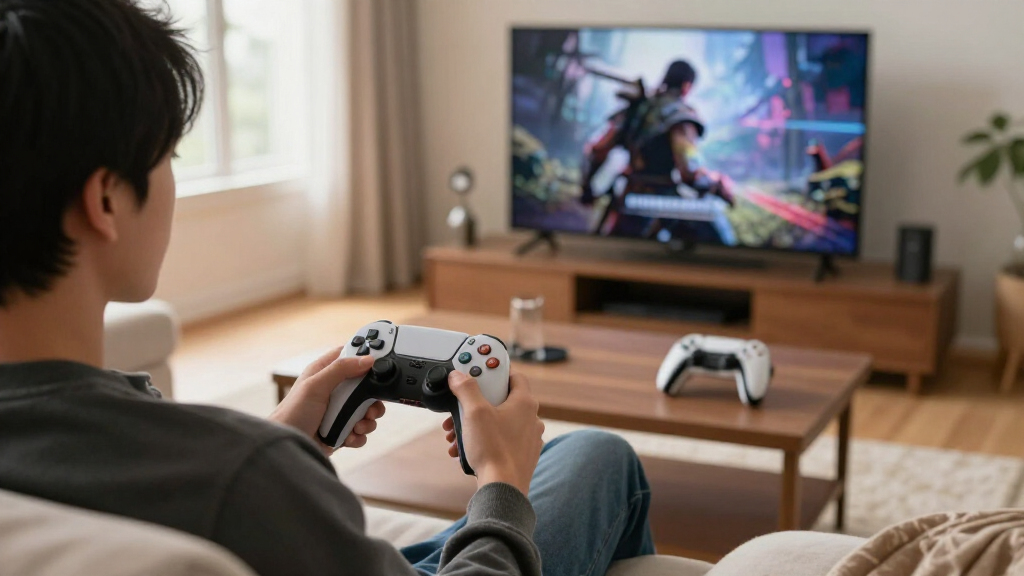
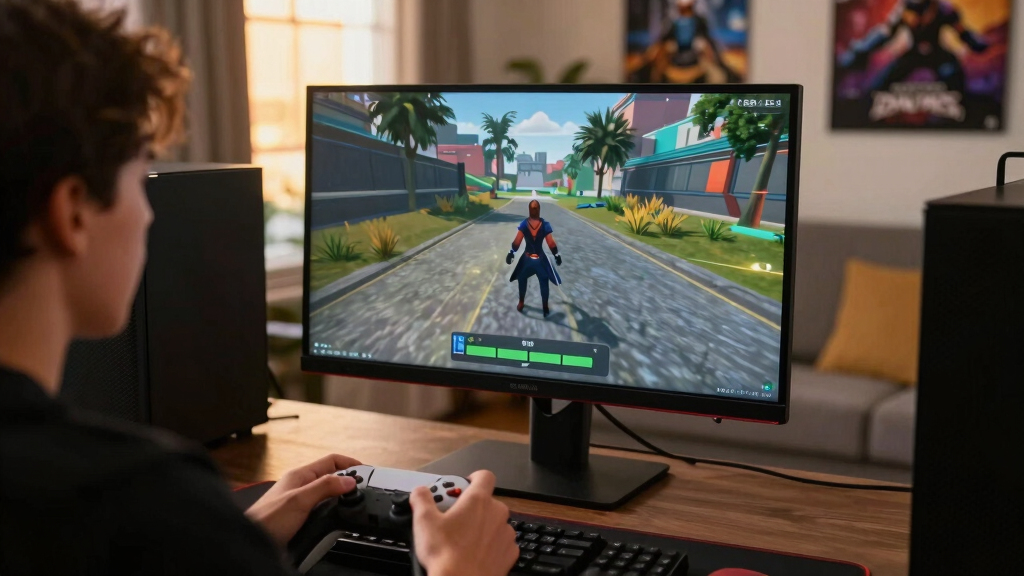
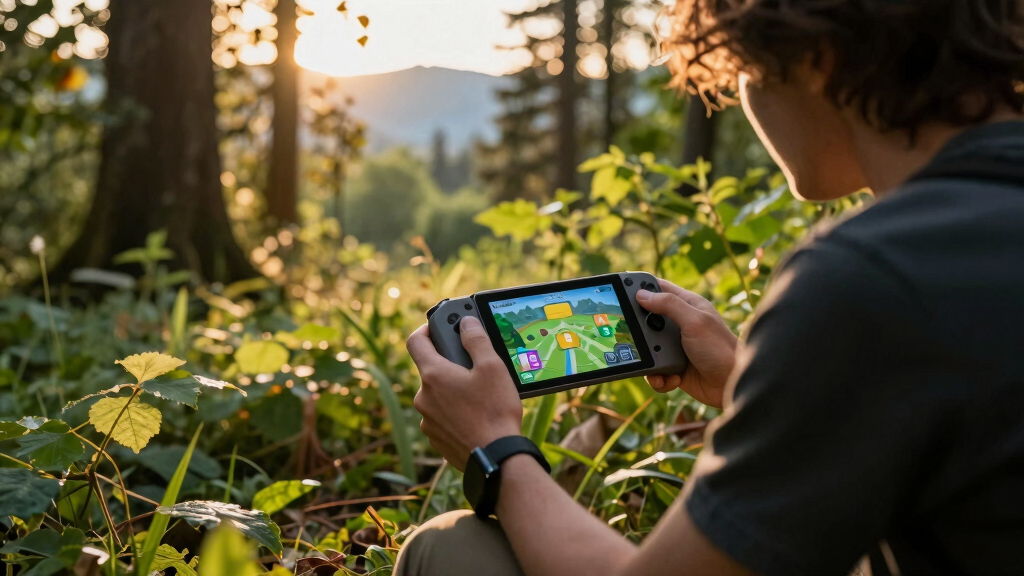
Learn what Steam Input does, when to use it, and how to build better controls for Steam Deck games without guesswork.
Browsing Category
Guides
11 posts
How-tos, troubleshooting, Proton, SteamOS, setup.
Why a Game Can Say 60 FPS and Still Feel Rough
A 60 FPS counter can hide stutter. Learn frame timing, pacing, V-Sync, VRR, input lag, and Steam Deck fixes that help.
How Refresh Rate Changes Battery Life on Steam Deck OLED
Learn how 40Hz, 45Hz, 60Hz, and 90Hz affect Steam Deck OLED battery life, smoothness, heat, and real play time.
Mini PC Gaming Limits Explained Before You Build a Living-Room Setup
Learn where mini PC gaming shines, where heat, noise, GPU, ports, and upgrade limits bite, and how to plan a better TV setup.
Small Form Factor PC Thermals Explained for Steam Gaming
Learn safe CPU/GPU temps, airflow fixes, fan curves, undervolting, and smart SFF cooling choices for smoother Steam gaming.
Why Some Games Need Proton GE and What That Actually Means
Learn what Proton GE does, why games sometimes need it, and when you should switch from regular Proton on Linux or Steam Deck.
How to Change Proton Versions Without Breaking Your Library
Switch Proton safely on Steam Deck or Linux, protect saves, handle prefixes, and roll back when a game turns into a black screen.
How to Check a Used Steam Deck LCD Before You Trust the Deal
Buying secondhand? Check dead pixels, backlight bleed, touch response, brightness, and seller red flags before you trust the deal.
How to Read Steam Deck Compatibility Notes Without Guessing
Learn how to read Steam Deck compatibility notes, spot real risk, use ProtonDB, and choose games with less guesswork.
The Gaming Laptop Spec Sheet Trick That Helps Steam Players Avoid Bad Choices
Avoid bad gaming laptop buys by matching specs to your Steam library, target frame rate, GPU wattage, RAM, storage, and screen.