TL;DR
An XDA Developers contributor reports running Forza Horizon and Fable II on a Windows 11 PC with Xenia Canary, at twice their original resolution scale and around their 30 fps game caps. The results came from one PC and two games, so they do not establish performance across Xenia’s full library or other hardware.
An XDA Developers contributor reports playing Forza Horizon and Fable II on a Windows 11 PC through Xenia Canary, with both games running at twice their original resolution scale and close to their original 30 fps caps. The account offers a practical example of how the Xbox 360 emulator can bring selected games to modern PCs, though the tests cover only two titles on one system.

Play games on Amazon Luna for your game nights, included with Prime
- A rotating selection of games, no download needed
- Play on TV, laptop or phone
- Fast, free delivery for your gear, too
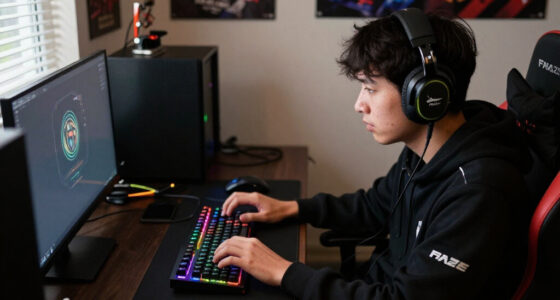
The contributor says the games were launched by dragging disc images into the Xenia Canary window, without supplying Xbox 360 system files or manually mapping an Xbox controller. The test setup used a Ryzen 5 7600X processor and an RTX 4070 Ti Super; the games rendered at 1440p after the contributor changed two resolution-scale values in the emulator’s configuration file. The report says the remaining settings, including the Direct3D 12 renderer, stayed at their defaults.
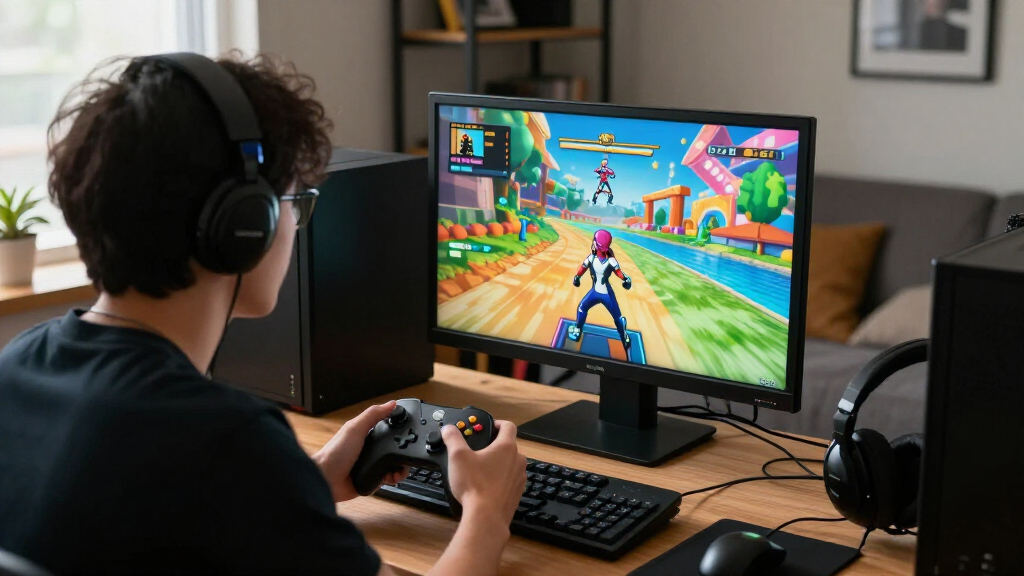
For Forza Horizon, a 30-second drive measured with CapFrameX averaged 30 frames per second, with 1% lows of 27.1 fps and no stutter observed during that sample. The contributor says the game originally ran at 720p and remained under its 30 fps cap after scaling. The report also records a peak load of 98% on the processor’s busiest thread and an average graphics-card load of 39% during the test.
In a 60-second walk through Fable II, CapFrameX recorded a 30 fps average and 1% lows of 28.4 fps, with no stuttering reported. The contributor did not encounter some visual problems described in community guides, including black floors and blurry characters. They did see a low-resolution tabletop texture inside Murgo’s wagon, which they attributed to the original game asset rather than an emulator fault. The article says Lossless Scaling’s LS1 feature was also used to improve the experience, but does not provide separate performance measurements for that step.
RETRO GAMING · FIELD REPORT
I Play Xbox 360 Games on My PC Now, and Xenia Has Finally Made It Worth It
An XDA Developers contributor reports playing Forza Horizon and Fable II at 1440p on a Windows 11 PC. Both held close to their original 30 fps caps in short tests—with results limited to one system and two games.
01 / PERFORMANCE SNAPSHOT
Both games reached their reported cap
CapFrameX samples were brief: 30 seconds for Forza Horizon and 60 seconds for Fable II. The figures describe those specific runs.
RACING · 30-SECOND DRIVE
Forza Horizon
The contributor reported no stutter during the sample. Average GPU load was 39%; busiest processor thread peaked at 98%.
ADVENTURE · 60-SECOND WALK
Fable II
No stuttering was reported. A low-resolution tabletop texture remained, attributed to the original game asset.
02 / SETUP & IMAGE QUALITY
A relatively simple path, with one manual tweak
The contributor described a short setup process. The tested build required editing its configuration file to raise rendering resolution.
Launch Canary
The report used a Canary build from Xenia’s official GitHub releases.
Open a disc image
Games were launched by dragging disc images into the emulator window.
Set scale to 2
Both draw_resolution_scale_x and draw_resolution_scale_y were changed to 2.
Play with XInput
An Xbox Elite Series 2 controller worked through Windows XInput without remapping.
03 / WHAT THE REPORT SHOWS
Encouraging evidence, with clear limits
The article offers concrete observations from one contributor’s configuration. It does not establish library-wide compatibility.
What looked promising
Both tested games averaged 30 fps in their short captures. The contributor reported easy launching, controller support without remapping, and clearer rendering at 1440p.
What remains unknown
Other games, longer sessions, different PC hardware, emulator builds, and individual disc images may produce different results. No independent compatibility survey was included.
“The games booted without any system files, controller mapping hassles, or configuration issues.”
— XDA DEVELOPERS CONTRIBUTOR04 / THE NEXT USEFUL TEST
Expand the sample before drawing broad conclusions
A fuller picture would need more games, longer play, and results across varied PC configurations—with build versions and settings recorded.
More titles
Check whether setup and performance extend beyond these two games.
Longer sessions
Capture performance beyond short gameplay windows.
More hardware
Compare processors, graphics cards, and system configurations.
Record settings
Include the Xenia build, configuration, and game details.
Two 360 Favorites on a Modern PC
The report matters to players who want to revisit Xbox 360 games on a PC, especially titles that are not available in a native Windows version. Its tests suggest that Xenia Canary can offer a simpler path than some emulator setups: the contributor reports no BIOS or console-system-file step, and an Xbox Elite Series 2 controller worked through Windows’ XInput support without remapping.
Higher rendering resolution can make older games look clearer on a modern display, but it cannot replace their original textures or assets. The tabletop example in Fable II illustrates that trade-off: scaling can sharpen the overall presentation while also making dated textures easier to notice. The results are encouraging for these specific games and this hardware, not a guarantee that every Xbox 360 title will run correctly or at the same frame rate.
The account also offers concrete performance observations rather than relying only on impressions. Still, the capture windows were short and the testing was conducted by one contributor. Readers should treat the figures as a report from a specific configuration, not as a broad benchmark or an independent compatibility assessment.
Popular right now

Sony WH-1000XM6 Wireless Noise-Canceling Headphones, Black

De'Longhi La Specialista Arte Evo Semi-Automatic Espresso Machine with Grinder and Cold Brew

Ninja Air Fryer XL, 6.5 Qt, 6-in-1, MaxCrisp, Dark Grey (AF181)
As an affiliate, we earn on qualifying purchases.
Xenia’s Long Development Path
Xenia is an open-source emulator project that began development in early 2013 and aims to run Xbox 360 games on PC. The source article describes the tested version as a Canary build downloaded from the project’s official GitHub releases. A Canary build is the version the contributor used; the report does not establish that every release or configuration will produce the same results.
The contributor says Xenia uses XInput, the controller interface also used by Windows games for Xbox controllers, and that the Elite Series 2 worked without button changes. Resolution scaling required a manual edit because the build used in the test did not expose that setting in its menu: the contributor set draw_resolution_scale_x and draw_resolution_scale_y to 2 in the configuration file.
The test is a personal report, not a statement from the Xenia developers. It focuses on two games and a particular Windows 11 PC; it does not compare Xenia with an original Xbox 360 or document results across a larger range of titles, processors, graphics cards or emulator builds.
“The games booted without any system files, controller mapping hassles, or configuration issues.”
— XDA Developers contributor
How Far the Results Extend
The account does not establish how other Xbox 360 games perform, whether the results persist over longer sessions, or how different PC hardware and Xenia versions would affect compatibility. The reported frame rates come from one short capture per game, and the article does not give a wider benchmark or independently verified test data.
It is also unclear whether every reader’s disc image, configuration and controller will work without extra troubleshooting. The contributor describes their own process but does not provide a title-by-title compatibility survey. The report’s 1440p result was achieved by editing configuration values, so it should not be read as a built-in menu option in the specific build tested.
More Games Need Testing
The next useful step would be testing more titles, longer play sessions and a wider range of PC configurations, with the Xenia build and settings recorded for each result. That would help show whether the reported ease of setup and steady performance apply beyond Forza Horizon and Fable II.
For now, readers considering Xenia can consult the project’s official GitHub releases and documentation, then check compatibility information for the games they own. The source article reports no new Xenia release, developer announcement or planned milestone, so the timing of any further project update is not established.
Key Questions
Which Xbox 360 games were tested?
The contributor tested Forza Horizon and Fable II using Xenia Canary on a Windows 11 PC.
What performance did the tests report?
Both games averaged 30 fps in short CapFrameX samples, close to their original 30 fps caps. The reported 1% lows were 27.1 fps for Forza Horizon and 28.4 fps for Fable II. These figures apply to the contributor’s system and test windows.
Did the games run at 1440p automatically?
No. The contributor says the tested build had no resolution-scaling option in its menu. They set two scale values in Xenia Canary’s configuration file to 2, producing a 1440p image in their setup.
Does this show that all Xbox 360 games work in Xenia?
No. The report covers only two games on one PC. It does not establish compatibility or performance across Xenia’s full library.
What hardware did the contributor use?
The test PC used an AMD Ryzen 5 7600X and an NVIDIA RTX 4070 Ti Super, with a 1440p QD-OLED monitor. The results may differ on other hardware.
Source: XDA Developers