🔍 Read the full analysis: 10 Best External GPUs For AI In 2027: Considerations For Work And Play on ThorstenMeyerAI.com

Play games on Amazon Luna for your game nights, included with Prime
- A rotating selection of games, no download needed
- Play on TV, laptop or phone
- Fast, free delivery for your gear, too
TL;DR
A 2027 buyer’s guide ranks 10 external GPU setups by compatibility, bandwidth and cost, naming the Razer Core X V2 its best general-purpose choice and OCuLink docks stronger options for compatible systems. The rankings and performance figures come from the guide, not independent testing described in the source; buyers should check device compatibility, included hardware and power requirements before purchasing.
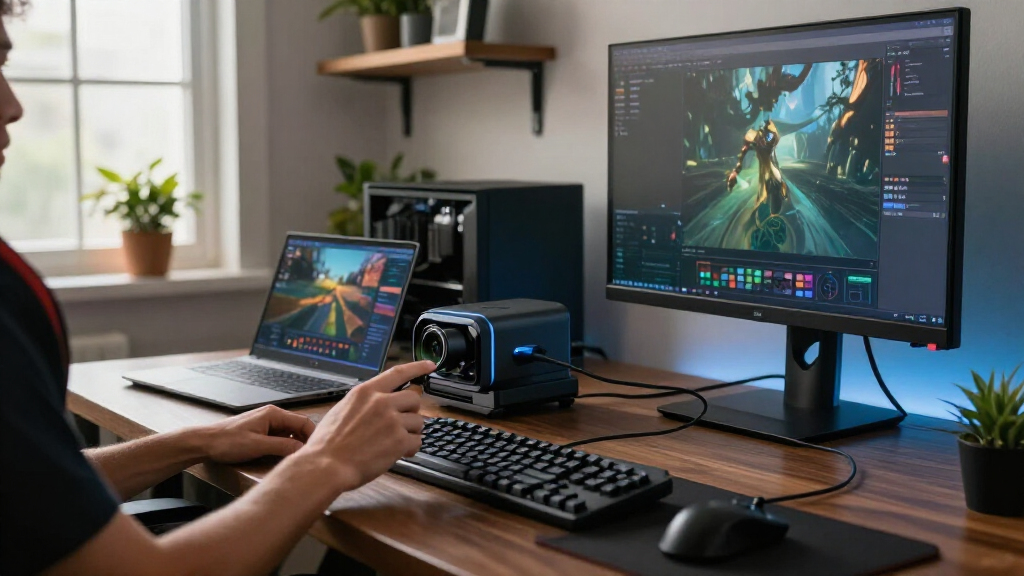
ThorstenMeyerAI.com’s 2027 guide compares 10 external GPU setups for AI work and gaming, naming the Razer Core X V2 its best overall choice for most users and the MINISFORUM DEG1 its value pick for people with OCuLink-compatible computers. The recommendations are presented as buying guidance, not as results from an independently documented benchmark study.
The guide’s central distinction is the connection between the host computer and the graphics hardware. It says Thunderbolt 4 offers broad compatibility but can limit performance, while OCuLink provides a higher-bandwidth direct PCIe link on devices that support it. OCuLink compatibility is less common, so a higher performance ceiling does not make those docks a universal choice.
The Razer Core X V2 is an enclosure, not a complete GPU system: buyers need to supply a graphics card. The guide favors it for broad Thunderbolt 4 compatibility and build quality. By contrast, it describes the ASUS ROG XG Mobile as an integrated, compact option using a custom NVIDIA RTX 5090 and proprietary connectivity, with the tradeoff of being tied to ASUS’s ecosystem.
The other named products include the MINISFORUM DEG1 OCuLink dock, the NIMO RX 7600M XT integrated box, and DIY docks from OwlTree and RGEEK. The guide says integrated units are simpler to use, while docks and enclosures can require separate GPUs, power supplies and more setup. Its source material does not provide individual prices or a complete, clearly itemized comparison of all 10 picks.
The 10 picks
- 1
 GIGABYTE AORUS RTX 5090 AI Box External GPUView on Amazon →
- 2
 ASUS ROG XG Mobile (2025) External Graphics Card with NVIDIA GeForce RTX 5090View on Amazon →
- 3
 NIMO External Graphics Card Enclosure with AMD Radeon RX 7600M XTView on Amazon →
- 4
 NIMO External GPU Docking Station with AMD Radeon RX 7600M XT 8GB GDDR6View on Amazon →
- 5
 Razer Core X V2 External Graphics Enclosure (eGPU)View on Amazon →
- 6
 MINISFORUM DEG1 OCuLink eGPU DockView on Amazon →
- 7
 RGEEK PCIe 5.0 OCuLink eGPU Dock for External Graphics CardsView on Amazon →
- 8
 OCuLink PCIe 4.0 x4 eGPU Dock with 19.7-Inch CableView on Amazon →
- 9
 OwlTree PCIe 4.0 x4 eGPU Dock with OCuLink CableView on Amazon →
- 10
 OwlTree PCIe 3.0 x16 eGPU Dock with Thunderbolt 4 CableView on Amazon →
Choosing Bandwidth Over Convenience
The choice can change both the upfront cost and the performance a buyer gets from an external GPU. A high-end card in a Thunderbolt enclosure may not perform like the same card installed inside a desktop, according to the guide, while an OCuLink dock can avoid some connection limits if the host has the required port. That matters to people considering an eGPU for AI computing or gaming, where workload and connection speed affect whether the added hardware is worthwhile.
For work and play, practical factors matter alongside raw bandwidth: whether the graphics card is included, whether the host can power or charge through the connection, and how much desk space the setup needs. The guide’s recommendations are best treated as a shortlist to investigate, not proof that every listed setup will deliver a particular performance level on a specific laptop or application.
Popular right now

Roborock F25 XT Cordless Wet-Dry Vacuum Mop

Dyson V15 Detect Cordless Stick Vacuum

Apple AirPods Pro (1st Generation) with MagSafe Charging Case
As an affiliate, we earn on qualifying purchases.
How the Connection Shapes the Picks
The guide says Thunderbolt 4 has a 40Gbps connection rate, with an effective data rate of 32Gbps, and describes OCuLink as a direct PCIe 4.0 x4 connection offering up to 63Gbps. These figures refer to different connection specifications and should not be read as a guaranteed real-world speed or performance result. Actual outcomes can depend on the host device, GPU, software and workload.
Its selection criteria are bandwidth, compatibility and total cost, including whether a product is an enclosure or an integrated unit. Thunderbolt’s wider device support favors plug-in convenience; OCuLink’s higher stated bandwidth favors compatible enthusiast systems. The source says a buyer should also check laptop charging support, since some eGPU arrangements require separate power and do not charge the connected computer.
““The most common mistake buyers make is assuming an external GPU delivers the same performance as an internal one.””
— ThorstenMeyerAI.com guide
Performance Claims Need Verification
The source gives no test methods, specific benchmark results, or detailed workload comparisons to support its estimate that Thunderbolt enclosures can bottleneck high-end cards by 15–20% in CPU-bound scenarios. It also describes OCuLink bandwidth as up to 63Gbps, but does not establish that figure as measured performance across the recommended products. Those figures should be treated as claims in the guide rather than universal outcomes.
The article’s supplied material names only some of the 10 products and does not include a complete list with model-by-model prices, availability, warranty details or compatibility testing. It is also unclear how each product performs on particular AI software, games, operating systems or host computers. The guide does not establish that all products are available in 2027 or that its rankings reflect current retail conditions.
Check Models Before Buying
Readers considering an eGPU should confirm that their laptop or mini PC supports the dock’s connection, then check whether the GPU, power supply and charging capability are included. They should also compare current prices and confirm that the intended AI tools or games support the hardware. No follow-up testing or product updates are specified in the source; the practical next step is to verify the guide’s claims against current manufacturer specifications and independent benchmarks.
Key Questions
Which external GPU does the guide recommend for most users?
It names the Razer Core X V2 as its best overall choice, citing Thunderbolt 4 compatibility and build quality. It is an enclosure, so the buyer must provide a separate graphics card.
Is OCuLink faster than Thunderbolt 4?
The guide gives OCuLink a higher stated bandwidth—up to 63Gbps—than Thunderbolt 4’s 40Gbps connection rate. Real-world performance depends on the computer, GPU and workload, and OCuLink requires a compatible port.
Does every product include a graphics card?
No. The guide describes the Razer Core X V2 and DIY docks as requiring separate components, while the ASUS ROG XG Mobile and NIMO RX 7600M XT are presented as integrated options. Confirm the exact product configuration before buying.
Can an external GPU charge a laptop?
Some Thunderbolt setups support Power Delivery, but charging depends on the laptop, enclosure and cable. The guide says OCuLink setups typically use separate power, so buyers should check their device’s specifications.
Source: ThorstenMeyerAI.com