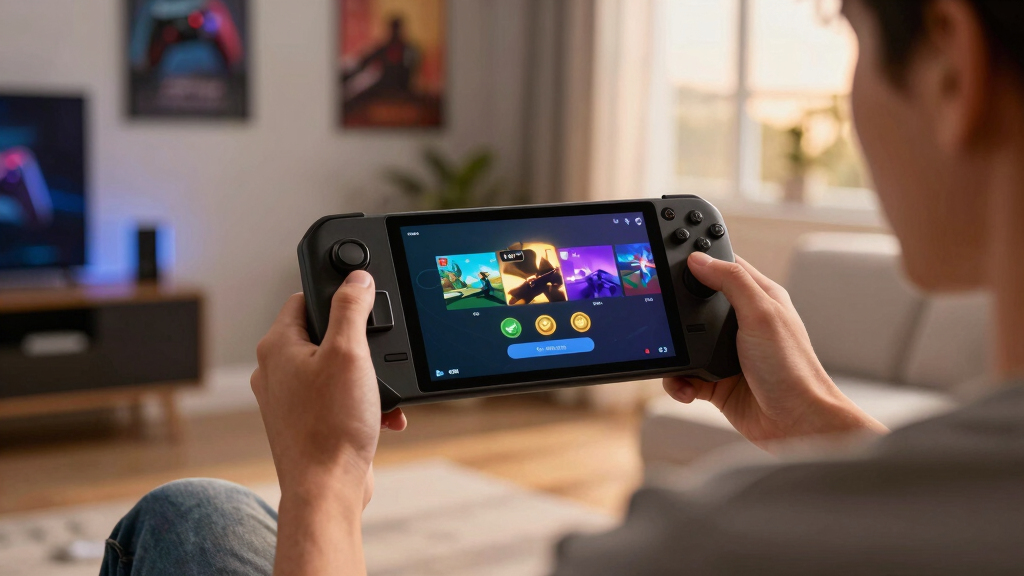

TL;DR

Play games on Amazon Luna for your game nights, included with Prime
- A rotating selection of games, no download needed
- Play on TV, laptop or phone
- Fast, free delivery for your gear, too
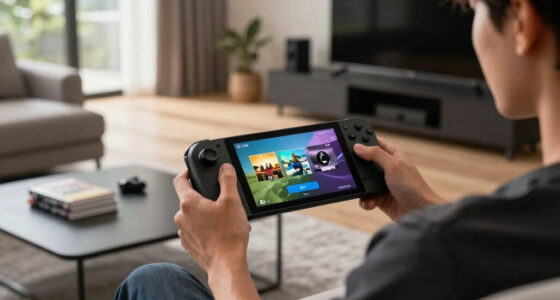
Steam Deck Verified Status — Top & New Games (2026-06-10): Forza Horizon 6 is Verified; Voidling Bound, Gamble With Your Friends, Escape the Backrooms, and NBA THE RUN are Playable. Verified means the least setup on Deck, while Playable means the game should run but may need text input, launcher handling, control tweaks, or settings changes. Treat the badge as your first filter, then check the specific warning before spending money.
A tiny green check can save you from a $70 mistake.
Steam Deck badges look simple, but they carry a lot of practical weight when you are curled on the couch, charger stretched across the floor, trying to squeeze one more match or race into the night. This guide shows you what today’s June 10, 2026 Deck statuses mean, which games look safest, and where you should slow down before buying.
You will get the plain-English version: what Verified feels like, what Playable asks from you, and how to turn a small badge into a smarter game-night choice.
- Forza Horizon 6 — Verified
- Voidling Bound — Playable
- Gamble With Your Friends — Playable
- Escape the Backrooms — Playable
- NBA THE RUN — Playable
Steam Deck compatibility for current top & new games, as of 2026-06-10.
Key Takeaways
- On June 10, 2026, Forza Horizon 6 is the only Verified title in Skeldrift’s five-game snapshot; the other four games are Playable.
- Playable is not a skip sign; it is a prompt to read the exact issue before you buy.
- The badge predicts compatibility, not battery life, fan noise, or whether small text will bother you.
- Use Verified for low-friction sessions and Playable for games where you can tolerate setup.
Steam Deck verified game controller
As an affiliate, we earn on qualifying purchases.
As an affiliate, we earn on qualifying purchases.
What Today’s Five Badges Tell You Before You Buy
Steam Deck Verified Status — Top & New Games (2026-06-10) gives you a fast buying signal: one game is Verified, four are Playable, and none in this five-game snapshot are listed as Unsupported. You can treat that as a green light with a footnote, not a promise that every couch session will feel silky smooth.
According to Skeldrift’s June 10, 2026 briefing, Forza Horizon 6 is the lone Verified title today, while Voidling Bound, Gamble With Your Friends, Escape the Backrooms, and NBA THE RUN sit in Playable territory [2]. That means 20% of the tracked list has Valve’s cleanest badge, and 80% should still run with a little patience.
A Deck badge works like a weather report for your game night: it tells you what to expect, but you still pack the right jacket.
Say you have one hour before bed. The Verified racing game is the easy pick; the Playable horror game may still be worth it, but you may spend the first five minutes nudging text size, accepting a launcher prompt, or mapping one stubborn key.
portable gaming console accessories
As an affiliate, we earn on qualifying purchases.
As an affiliate, we earn on qualifying purchases.
Verified vs Playable: What You Actually Feel
Steam Deck Verified Status — Top & New Games (2026-06-10) separates “ready right now” from “works after a few taps.” Verified means Steam expects the game to handle controls, display, text, and system support cleanly; Playable means the game runs, but you may meet a small snag [1].
| Badge | What Steam Signals | What You May Feel | Today’s Examples |
|---|---|---|---|
| Verified | The game passes Deck-friendly checks for input, display, and system support. | You can usually start playing with little setup. | Forza Horizon 6 |
| Playable | The game runs, but Steam flags at least one rough edge. | You may need the keyboard, a control tweak, a settings change, or patience with a launcher. | Voidling Bound, Gamble With Your Friends, Escape the Backrooms, NBA THE RUN |
| Unsupported | The game fails a Deck compatibility check or has a blocker. | You may hit crashes, broken anti-cheat, missing video, or controls that do not work. | None in today’s five-game list |
In real life, the difference shows up in tiny moments. A Verified game greets you with the right button icons under your thumbs; a Playable game may ask you to tap the on-screen keyboard like you are poking at a postage stamp.
Steam Deck compatible game controller
As an affiliate, we earn on qualifying purchases.
As an affiliate, we earn on qualifying purchases.
The Fast Check That Saves You From a Bad Handheld Buy
The fastest check is simple: read the badge, read why the badge exists, then match that warning to how you play. A tiny text warning matters less on a TV, but on the Deck’s handheld screen it can turn a crisp menu into gray noodles at midnight.
- Check the compatibility badge on the Steam page before you buy.
- Read the badge details, not just the label color.
- Scan recent Deck player comments for launchers, crashes, small text, and control complaints.
- Match the warning to your setup: handheld, docked, travel, couch, or quick lunch break.
- Test early if you buy, especially with Playable games that may need setup.
For example, Escape the Backrooms may be fine for a weekend co-op scare if one friend hosts on desktop and you use Deck for movement, voice chat, and quick flashlight flicks. If the Playable note mentions a launcher or manual keyboard entry, test it before everyone joins the lobby.
As an affiliate, we earn on qualifying purchases.
The Standout Verified Game You Can Start Tonight
Steam Deck Verified Status — Top & New Games (2026-06-10) puts Forza Horizon 6 in the safest slot because Verified is the badge Valve reserves for games that meet Deck-friendly checks across input, display, and system behavior [1]. If you want the lowest-friction pick today, start there.
A racing game is a good stress test for handheld comfort. You notice the badge when the car loads fast, the controller prompts match the buttons under your thumbs, and the neon smear of a wet city street stays readable at speed.
The caveat: Verified does not promise your favorite graphics settings. You may still trade shimmer, battery life, and fan noise against prettier reflections. On a train ride, steady frame pacing usually beats a mirror-sharp hood reflection you can barely see.
When Playable Is Still the Smart Pick
Playable can still be the smart pick when the warning does not clash with your plans. If the issue is small text and you play docked, fine; if the issue is manual keyboard entry and you play on the couch, expect friction before the fun starts.
- Voidling Bound: choose it if you do not mind checking controls during the first session.
- Gamble With Your Friends: better for relaxed group play if prompts and menus behave; rougher if setup needs typing every round.
- Escape the Backrooms: a strong Playable pick if movement feels right, because horror loses bite when menu wrestling breaks the spell.
- NBA THE RUN: worth a look if quick matches run cleanly, especially when you want ten minutes of bright courts and squeaking shoes.
According to Steam’s compatibility labels, Playable often means the game runs but asks for a workaround, such as manual text input, launcher interaction, or settings changes [1]. That is not a dealbreaker. It is a prep note.
What the Badge Still Does Not Tell You
A Steam Deck badge does not tell you how warm the device will feel, how long your battery will last, or whether a game’s tiny UI will tire your eyes after an hour. The badge answers compatibility; your hands, ears, and schedule answer comfort.
You might boot NBA THE RUN and find the menus work, the match loads, and the first drive feels sharp. Then the fan climbs into a thin whine during the fourth quarter, or the battery drops faster than you expected. The badge was true, but the session still had a texture.
This is where contrast helps. Verified is clean paperwork; comfort is the warm plastic shell, the couch cushion, the sun glare on the screen, and the five minutes you spend hunting for a pause point before the kettle screams.
Badges can also change after patches, Proton updates, or developer fixes. Treat June 10, 2026 as a snapshot, then check again before a big download or a long trip.
A Simple Buying Rule for June 10 Releases
Use this rule for today’s list: buy Verified when you want zero setup, buy Playable when you accept a few rough edges, and wait when the warning attacks the exact way you play. That one sentence will save you more time than scrolling ten tabs of mixed comments.
- Pick Forza Horizon 6 if you want the safest Deck-first choice today.
- Pick a Playable game if its known issue sounds minor for your setup.
- Wait for patches if the game needs frequent typing, tiny UI reading, or awkward launchers.
A static answer that says, "i can provide a general overview of what such badges mean," is useful for learning the labels, but weak for buying on a specific date. A guide with a knowledge cutoff in October 2023 cannot have specific information about this June 10, 2026 list; today’s store badge and recent player reports matter more.
Frequently Asked Questions
What does Steam Deck Verified mean?
Steam Deck Verified means Steam has checked the game against Deck-friendly standards for controls, display, system support, and general playability [1]. In plain English, you should be able to launch it and play without wrestling the interface first.
Is Playable bad on Steam Deck?
No. Playable means the game can run on Steam Deck, but Steam has spotted something you may need to handle, such as small text, manual keyboard input, or a launcher [1]. If that issue does not bother your setup, a Playable game can still be a great choice.
Which June 10, 2026 game is Steam Deck Verified?
Forza Horizon 6 is the Verified title in this June 10, 2026 list [2]. Voidling Bound, Gamble With Your Friends, Escape the Backrooms, and NBA THE RUN are Playable.
Can a Steam Deck badge change after launch?
Yes. A game’s badge can change after patches, Proton improvements, SteamOS updates, or developer fixes. Check the badge again before a big purchase, especially if you are buying for a trip or a long weekend away from your desktop.
Conclusion
The crisp move: treat the badge as your first filter, then make one human check. Does the listed issue touch the way you actually play on the Deck?
For today, Forza Horizon 6 is the clean pick, while the four Playable games ask for a closer look. Let the green check guide you, then let your hands decide before the screen glow fills the room.
Fall Picks
fall essentials
As an affiliate, we earn on qualifying purchases.