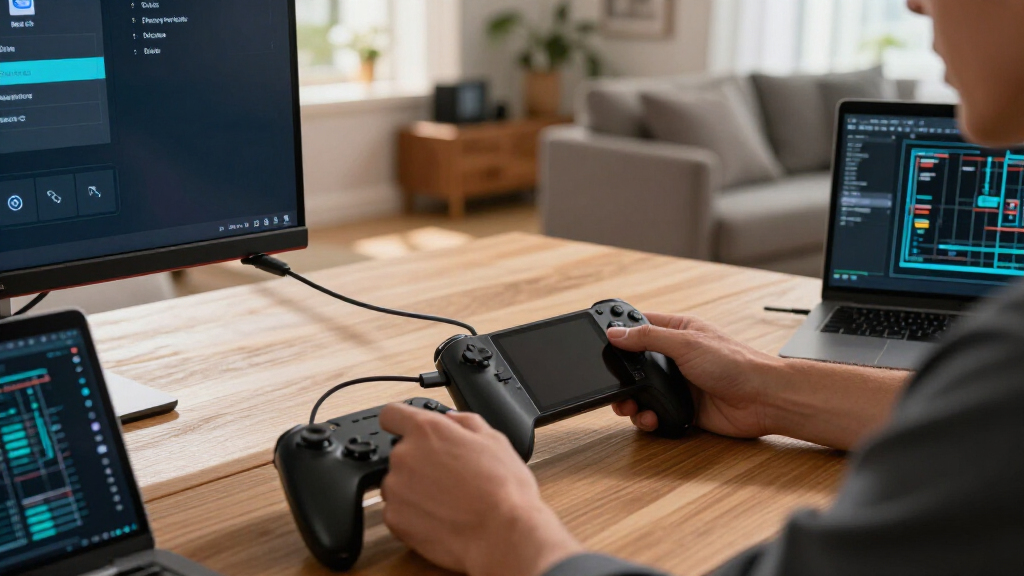
Faster RAM can raise FPS, but GPU load, capacity, channels, timings, and CPU cache decide whether you will notice the gain.
Browsing Category
PC Gaming Hardware
28 posts
CPU Cores and Threads Explained for PC Gaming
What cores and threads actually do in games, how many you need, and why more threads doesn’t mean more FPS — explained with real examples.
GPU VRAM Explained for Steam Games
Learn how VRAM affects Steam games, which settings use it, how much you need, and how to spot a real memory bottleneck.
CEC, eARC, and Living-Room Gaming Explained
CEC controls your devices, eARC carries your audio. Learn how both work, why they matter for console and PC gaming on a TV, and how to fix common problems.
Why TV Game Mode Matters for Steam Machine
Game Mode cuts TV processing delay on your Steam Machine setup. Learn latency, VRR, ALLM, HDMI ports and settings that make couch PC gaming feel instant.
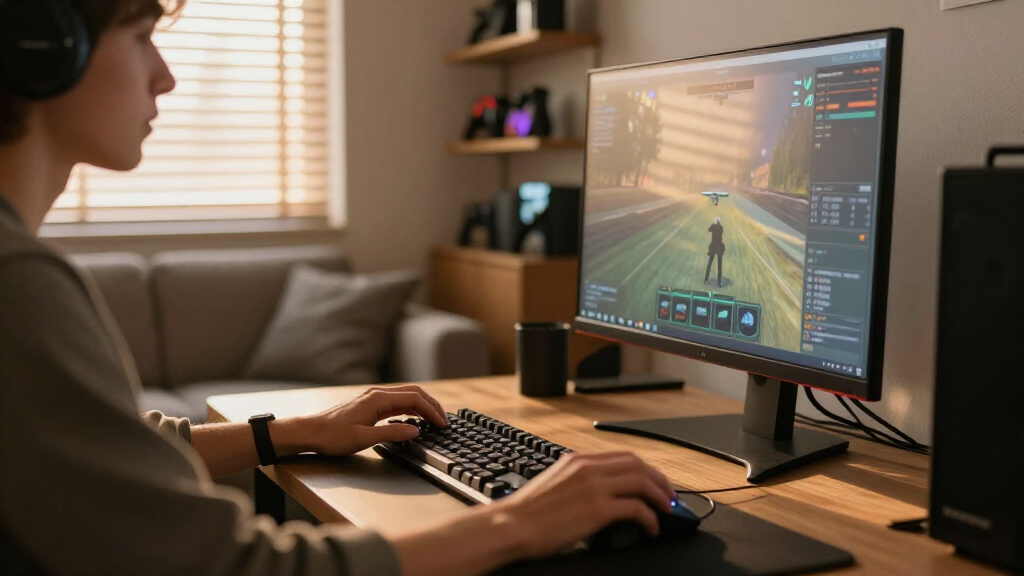
DisplayPort Explained for PC Gamers
Learn which DisplayPort mode, cable, color setting, and features you need for smooth high-refresh PC gaming without black screens.
HDMI Versions Explained for Steam Deck and Steam Machine
Learn which HDMI version you need for Steam Deck or Steam Machine, including 4K120, HDR, VRR, docks, cables, and real performance limits.
USB-C DisplayPort Alt Mode Explained for Steam Deck Owners
Connect your Steam Deck to monitors and TVs with the right cable, dock, resolution, charging power, HDR, and VRR settings.