
TL;DR
Play games included with Prime
Start a Prime free trial and play with Amazon Luna on your devices.
Start playingAs an affiliate, we earn on qualifying purchases.
An online tutorial from r/SteamVR provides a step-by-step guide for building a VR-capable Steam machine. The guide aims to help enthusiasts create custom setups for virtual reality gaming.
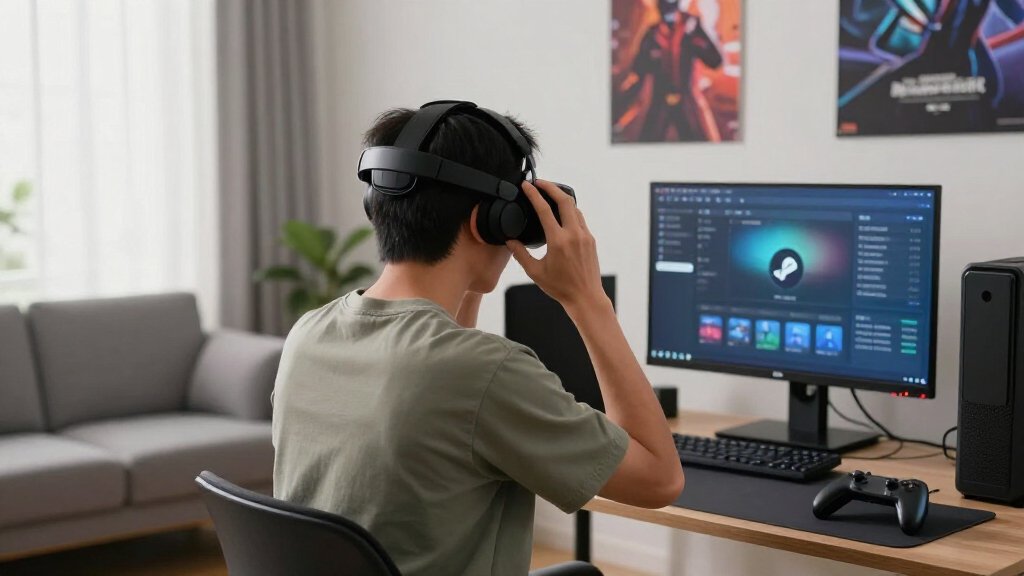
A detailed tutorial on how to build a VR-capable Steam machine has been posted on r/SteamVR, providing step-by-step instructions for enthusiasts interested in creating custom virtual reality setups. The guide covers hardware selection, assembly, and configuration, marking a significant resource for DIY VR builders.
The tutorial, shared on r/SteamVR, outlines the process of assembling a custom VR Steam machine, including recommended hardware components such as compatible GPUs, CPUs, and VR headsets. It emphasizes the importance of choosing hardware that meets the performance requirements for smooth VR experiences.
According to the post, users should focus on selecting a powerful GPU like the NVIDIA RTX series and a compatible CPU to handle VR rendering. The guide also provides tips on assembling the hardware, installing necessary drivers, and configuring SteamVR settings for optimal performance. The tutorial is aimed at users with some technical knowledge but offers detailed guidance for beginners as well.
VR Steam Machine Tutorial
A practical blueprint for selecting, assembling, and configuring a custom Steam machine capable of smooth virtual-reality gaming.
What the tutorial covers
The guide spans component selection through SteamVR optimization, with enough detail for technically curious beginners to proceed carefully.
Choose the GPU
Prioritize a powerful, VR-ready graphics card. The post points toward the NVIDIA RTX series for demanding headset rendering.
Match the CPU
Select a compatible processor that can support high frame rates without creating a bottleneck during simulation-heavy games.
Verify compatibility
Check headset connections, tracking requirements, drivers, and platform support before locking in the remaining components.
Build the machine
Install the core hardware methodically, confirm cooling and power capacity, then inspect every physical connection.
Install drivers
Update graphics, chipset, headset, and peripheral drivers before testing the complete virtual-reality environment.
Tune SteamVR
Adjust resolution, refresh rate, rendering settings, and game profiles to balance visual quality with stable performance.
The build path
A successful machine depends on validating compatibility before assembly and measuring performance after configuration.
Define the target
Choose headset, games, refresh rate, and expected visual quality.
Select hardware
Balance GPU, CPU, memory, storage, cooling, and power.
Assemble
Build carefully and verify seating, cabling, airflow, and firmware.
Configure
Install drivers, Steam, SteamVR, headset software, and updates.
Test and tune
Measure frame stability, thermals, tracking, and visual clarity.
Where custom builds win—and where they demand care
The tutorial offers a useful starting point, but component-specific research remains essential.
| Dimension | Pre-built system | Custom Steam machine | Builder action |
|---|---|---|---|
| Component control | ~ Moderate | ✓ High | Choose parts around the target headset and games. |
| Initial simplicity | ✓ High | ~ Moderate | Budget time for assembly, firmware, and driver setup. |
| Upgrade flexibility | ~ Varies | ✓ High | Use a capable power supply and upgrade-friendly case. |
| Verified compatibility | ✓ Usually tested | ~ Builder verified | Check ports, drivers, power, dimensions, and headset support. |
| Single-source support | ✓ Available | ✗ Limited | Document every component and retain vendor warranties. |
Optimize for consistency, not specifications alone
These bars represent relative decision priority—not measured benchmark results from the community tutorial.
Build-decision weight
Broad real-world performance, headset coverage, and component compatibility have not yet been confirmed through comprehensive testing. Treat model recommendations as a starting point, not a guarantee.
What builders need to know
The guide is community-generated and is not officially endorsed by Steam, Valve, headset makers, or component manufacturers.
Can a beginner follow it?
Yes, with care. Basic hardware knowledge and additional component research are advisable before purchasing or assembling parts.
What hardware is recommended?
A high-performance GPU such as an NVIDIA RTX-series card, a compatible CPU, and a supported VR headset form the core.
Will a custom build perform better?
It can be tuned for specific needs and budgets, but gains depend on careful part selection, cooling, configuration, and testing.
When will guidance be updated?
No official timeline exists. Community testing, user reports, and new hardware releases may shape later revisions.
Guides and current Steam deals
Reference listings supplied with the report. Prices and discounts can change; verify them directly before purchasing.
Updated buyer guides
Top Steam deals listed
Steam store discounts marked current in the supplied report.
Practical Impact for VR Enthusiasts and Builders
This tutorial matters because it offers a comprehensive resource for DIY VR enthusiasts, potentially lowering barriers to building custom VR setups. It could influence the way users approach VR hardware customization and inspire more community-driven projects. As VR gaming and development continue to grow, such guides help expand the accessible hardware ecosystem.
As an affiliate, we earn on qualifying purchases.
Background on DIY VR Hardware and Community Resources
While official VR hardware is readily available from major manufacturers, the DIY community has long shared guides and tutorials for building custom VR setups. Platforms like r/SteamVR have been instrumental in disseminating knowledge about compatible hardware, troubleshooting, and optimization. This tutorial adds to a growing body of community resources aimed at empowering users to create tailored VR experiences.
“This tutorial provides a clear, practical guide for assembling a VR Steam machine, which could help many users get started with custom setups.”
— an anonymous researcher
As an affiliate, we earn on qualifying purchases.
Details Still Unclear About Hardware Compatibility and Performance
It is not yet confirmed how well the recommended hardware performs in real-world VR scenarios or how broadly compatible the suggested components are across different VR headsets. Some users have raised concerns about potential bottlenecks or configuration issues, but no comprehensive testing results are available yet.
VR headset compatible with SteamVR
As an affiliate, we earn on qualifying purchases.
As an affiliate, we earn on qualifying purchases.
Community Feedback and Potential Hardware Updates
Next steps include community testing, sharing of user experiences, and possible updates to the tutorial based on feedback. Hardware manufacturers may also release new components optimized for DIY VR builds, which could influence future guides and recommendations.
custom VR Steam machine components
As an affiliate, we earn on qualifying purchases.
As an affiliate, we earn on qualifying purchases.
Key Questions
Can I follow this tutorial if I am a beginner?
The tutorial is detailed and aimed at users with some technical experience, but beginners with basic hardware knowledge could follow it with care and additional research.
What hardware is recommended for building a VR Steam machine?
The tutorial suggests using a high-performance GPU like the NVIDIA RTX series, a compatible CPU, and a suitable VR headset. Specific models are detailed within the guide.
Will building my own VR Steam machine improve performance?
Custom builds can be optimized for specific needs, potentially improving performance and cost-efficiency compared to pre-built systems, but they require careful component selection and setup.
Is this tutorial officially endorsed by Steam or hardware manufacturers?
No, the tutorial is community-generated and hosted on r/SteamVR; it is not officially affiliated with Steam or hardware companies.
When will there be updates or further guides?
Community discussions and feedback will likely lead to updates; no official timeline has been announced for further guides.
Source: r/SteamVR
Evergreen bestsellers Picks
bestsellers
As an affiliate, we earn on qualifying purchases.