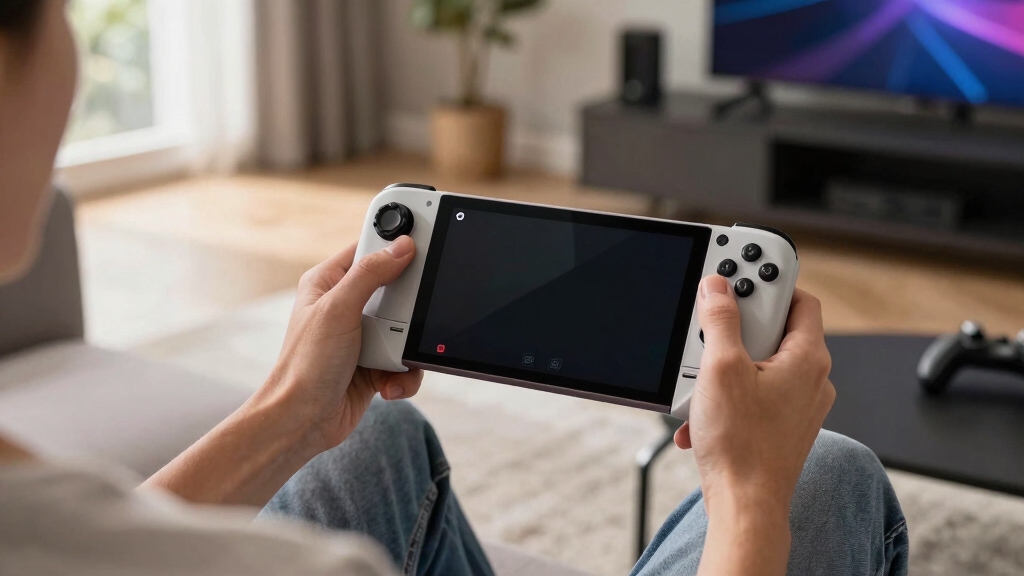
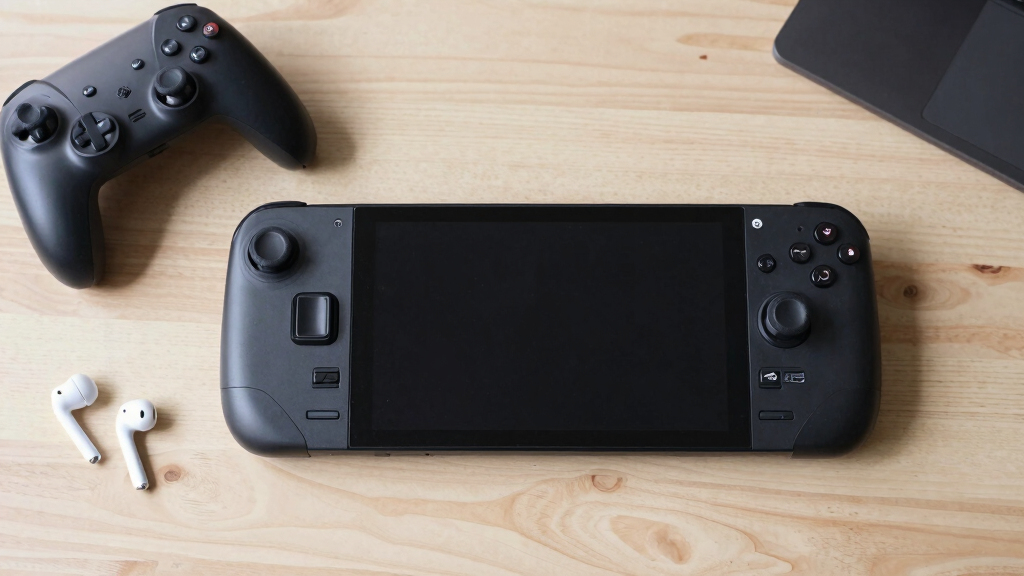
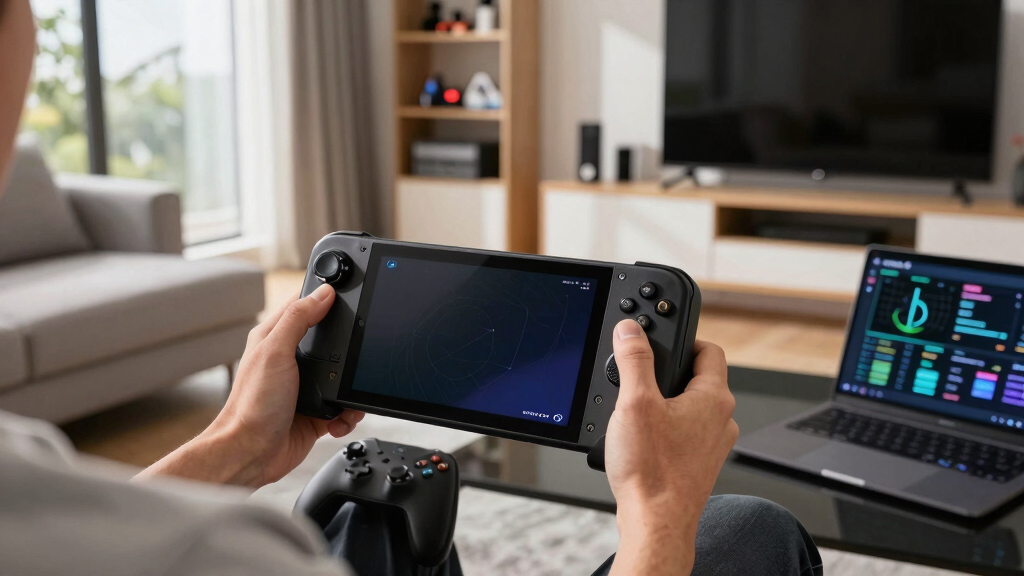
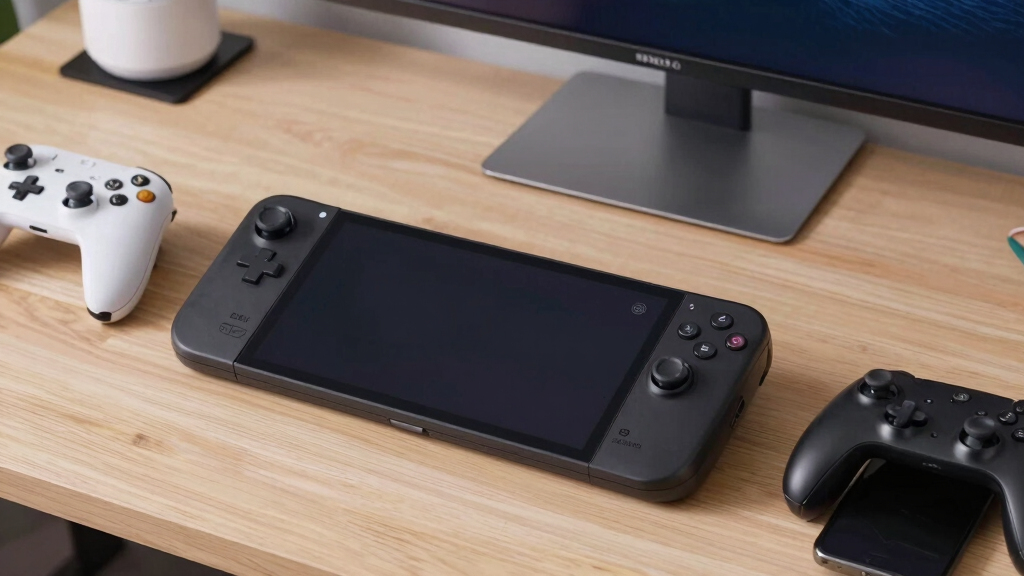
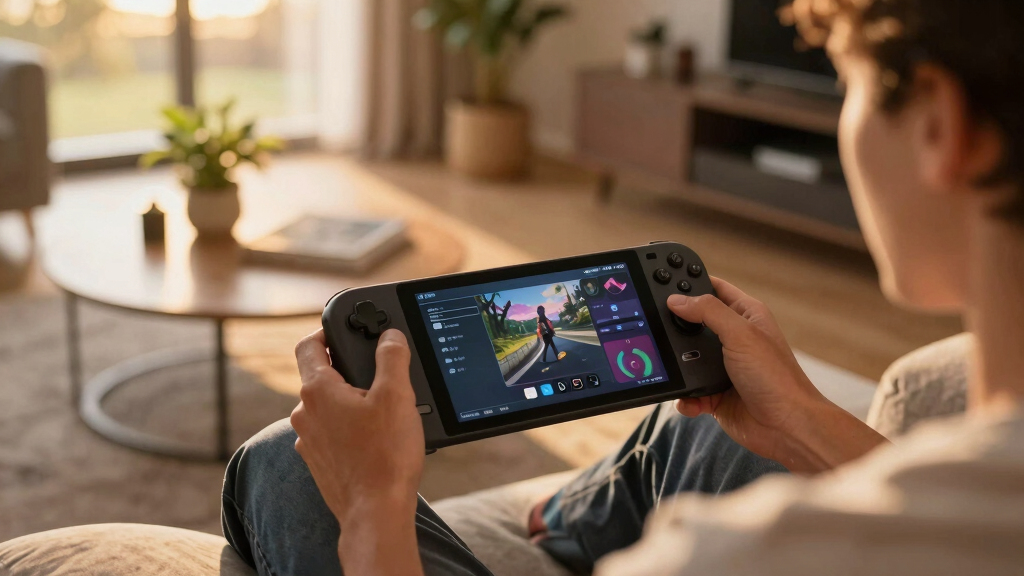
Learn how Steam Deck layouts work before you remap buttons, triggers, touchpads, gyro, and game profiles.
Browsing Category
Steam Deck
184 posts
Guides, compatibility, settings, accessories, best games.
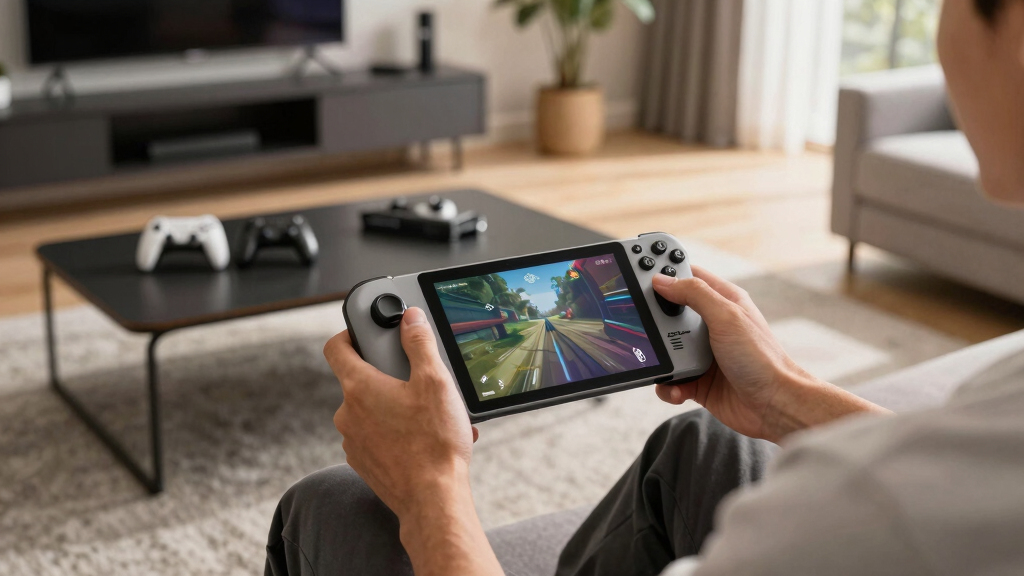
Frame Pacing on Steam Deck Explained for Smoother Play
Learn how frame pacing affects Steam Deck smoothness, which FPS caps to try, and how to fix stutter without chasing higher FPS.
Why 40 FPS Can Feel Better Than You Expect on Steam Deck OLED
Learn why 40 FPS can feel smoother than expected on Steam Deck OLED, and when to use it for better handheld play.
The 30 FPS, 40 FPS, and 60 FPS Steam Deck Choice Explained
Learn when to use 30, 40, or 60 FPS on Steam Deck for smoother play, longer battery life, less heat, and better per-game settings.
Steam Deck Performance Profiles Explained: TDP, FPS, and Refresh Rate
Learn how TDP, FPS caps, and refresh rate work together so your Steam Deck runs smoother, cooler, and longer.
The Hidden Reason Steam Deck Updates Can Take Longer Than Expected
Steam Deck updates can take longer because SteamOS touches Linux, firmware, drivers, Proton, and the Steam client at once.
The Steam Deck OLED Charging Habits That Quietly Protect Battery Health
Use 20-80%, heat control, and smart 100% charges to keep your Steam Deck OLED battery healthier without babying your handheld.
How to Tell Whether a Steam Deck Problem Is Hardware or Software
Learn quick tests that show whether your Steam Deck issue comes from SteamOS, a game, settings, battery, screen, fan, SSD, or controls.
Shader Pre-Caching on Steam Deck Explained in Plain English
Plain-English guide to Steam Deck shader pre-caching: what it does, why downloads happen, when to keep it on, and how to save space.
Why Steam Deck Downloads Sometimes Look Weirdly Large
Steam Deck download sizes can look huge because Steam shows patching, unpacking, shader files, and temporary disk work in one messy view.